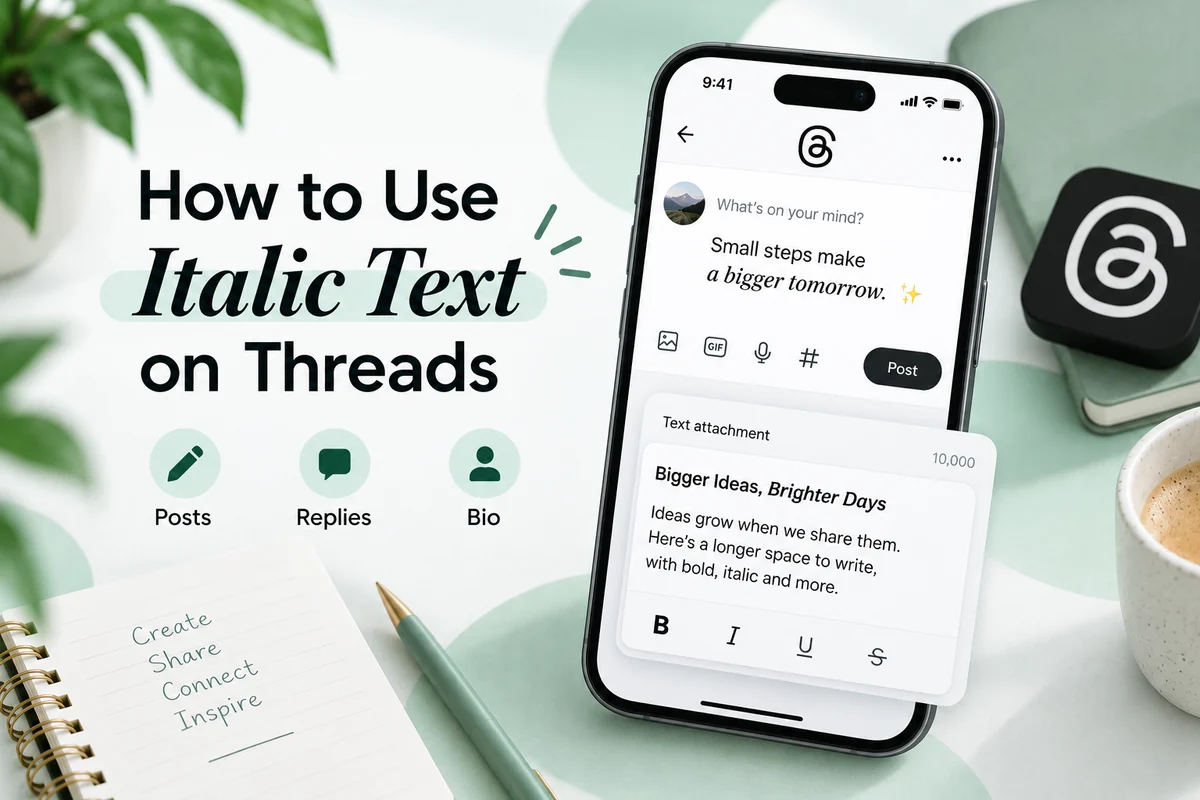
Facebook has no italic button. The post composer, the comment box and the profile fields all store plain text, and Facebook does not read markdown, so typing *word* or _word_ leaves the punctuation on screen. To italicize text on Facebook you paste characters that are already italic in Unicode, which is why every “Facebook font” tool is really a character converter.
That distinction matters more than it sounds. You are not applying a style to the letter a. You are replacing it with 𝑎, a separate character called MATHEMATICAL ITALIC SMALL A. Facebook stores and displays it happily, but search, spell check and screen readers all treat it as something other than a letter.
Why Facebook never added an italic button
Facebook’s text fields were designed to hold one thing: a string. Posts sync across the web app, two mobile apps, Lite builds, embeds, notification previews, email digests and the Graph API. A rich text layer would have to survive all of those, and Meta has consistently chosen plain storage instead.
Messenger is the exception inside the same company, and it works differently enough to need its own guide. Nothing you learn about asterisks in a Messenger thread transfers to a Facebook post.
Where italic text works on Facebook
Every row below refers to Unicode italic characters pasted in, not to a Facebook formatting control, because no such control exists for these fields.
| Field | Native italic | Unicode italic | Recommended |
|---|---|---|---|
| Post text | No | Yes | Fine for a short phrase |
| Comment | No | Yes | Use sparingly, one phrase at most |
| Reply | No | Yes | Same as comments |
| Bio (intro) | No | Yes | Works, keep searchable words plain |
| About and Details | No | Yes | Works |
| Legal name field | No | Restricted | Avoid, name policy applies |
| Page name | No | Restricted | Avoid, Page name reviews apply |
| Group post | No | Yes | Same behaviour as a profile post |
| Event title and description | No | Yes | Keep the title plain so it is findable |
| Photo caption | No | Yes | Fine |
| Alt text | No | Yes | Do not, it defeats the purpose |
The name fields are the ones people get wrong. Facebook’s name standards ask for the name you use in everyday life, and profiles that put decorative characters in the name field can be asked to confirm their identity. A Page name goes through a review when you change it. Neither is a good place to experiment.
Groups, Pages and profiles behave the same, with two exceptions
People often assume a Group or a Page gets extra formatting because the composer looks slightly different. It does not. A Group post, a Page post and a personal post all run through the same plain text field, and the same pasted characters render identically in all three.
Two things do differ. The first is the name review already mentioned: changing a Page name puts it into a queue, and decorative characters are a common reason for a rejection. The second is that Group admins can pin posts and write Group rules, and both of those surfaces are searched by members looking for a specific rule number or keyword. A rule written in italic characters will not be found by a member searching for it, which is the opposite of what rules are for.
Facebook Events deserve their own mention. The event title feeds discovery, notifications and calendar exports. Styled characters in a title survive the export to a calendar file, which means they land in someone’s calendar app where the font coverage is often worse than in a browser. Keep event titles plain and put any styling in the description.
How to italicize text on Facebook, step by step
The method is identical on desktop and mobile because the work happens before Facebook sees the text.
- Write the sentence normally somewhere you can edit it.
- Take only the phrase that needs emphasis. One clause, not the whole post.
- Convert that phrase in the Italic Text Generator, then copy the result.
- Paste it into the Facebook field at the position where the plain phrase would have gone.
- Post, then reload the page and read it back.
On desktop
Right click and paste, or use Ctrl+V (Cmd+V on macOS). Facebook’s composer does not transform pasted characters, so what you paste is what gets stored. If you paste into a comment box and then click away, Facebook usually keeps the draft, which is handy when you want to check the rendering in another tab first.
On the mobile app
Copy from the generator in your mobile browser, switch to the Facebook app, long press the field and choose Paste. Two things go wrong here more often than on desktop. Some Android keyboards offer a “paste as plain text” option that strips nothing (the characters are already plain text, so this is safe), and some clipboard managers truncate long strings of four byte characters. If half your phrase arrives, paste in two shorter pieces.
What happens on copy and paste
Because the characters are real characters, they survive being copied out of Facebook and into anything else. Someone can quote your post into a message, a document or a spreadsheet and the italic look travels with it. That is the useful half.
The awkward half is editing. If a reader copies your styled sentence to correct a typo, they cannot simply retype the word. Backspacing through 𝑖𝑡𝑎𝑙𝑖𝑐 deletes normal looking letters that will not match anything they type. Anyone who has tried to fix a styled bio on a phone knows the feeling.
Autocorrect also stops helping. Facebook, iOS and Android all rely on dictionary lookups that fail against mathematical letters, so a typo inside a styled phrase stays a typo. Proofread before you convert, not after.
Facebook search only matches plain characters
This is the part most tutorials skip. Facebook’s search index matches literal strings. Bakery and 𝐵𝑎𝑘𝑒𝑟𝑦 are different sequences of code points, so a search for the first will not surface the second.
Practically, that means:
- Keep your business name, city, job title and anything else people search for in plain letters.
- Never style a hashtag. Facebook treats
#𝑐𝑜𝑓𝑓𝑒𝑒as a separate tag from#coffee, and almost nobody is browsing the styled one. - Never style an @ mention. The mention picker matches against plain text and will not resolve.
- In a Page’s About section, style the one line that is pure personality and leave the service keywords alone.
The same mechanic applies to Google. Our longer piece on whether Unicode text hurts your SEO covers what a crawler actually does with these characters, and the short version is that they are not penalised, they are ignored.
What a screen reader announces
Styled Unicode is decorative, not accessible, and it is worth being honest about that rather than repeating the phrase “may cause issues” without detail.
Depending on the reader and the verbosity settings, an italic phrase can be announced letter by letter using full Unicode character names, read as a run of unrecognised symbols, or skipped entirely. A single styled phrase inside an otherwise plain post is a small cost. A fully styled post is unreadable for that listener. Our piece on what screen readers really announce has the detail per reader.
The rule that follows from this is simple: style the part that carries no information. Style a sign off, a mood line, a name of a song. Do not style the date of your event, the price, or the address.
Try it on Facebook
- Pick one line from a post you already published, ideally a closing line rather than a detail.
- Convert only that line in the generator, using Italic rather than a heavier style.
- Edit the post and replace the plain line with the styled one.
- Open the post in a logged out browser window, then on your phone.
- Search Facebook for a word from the styled line and confirm it does not come back.
Step five is the one that teaches the lesson. Seeing the search fail once is more convincing than any warning.
Troubleshooting
Asterisks appear literally. Expected. Facebook posts have no markdown. Convert the characters instead of marking them up.
Numbers stay upright inside an italic phrase. Unicode’s italic range covers 52 letters and no digits, so 2026 cannot be italic. Bold, monospace and double struck styles do include digits if the number matters visually.
Some letters render as boxes. The device is missing a font for that block. Nothing you can fix from your side, but Sans Serif Italic tends to be covered slightly more widely than Cursive Script on older Android builds. More on why this varies in why italic text looks different on every device.
The text reverted after saving a name field. That is the name policy, not a glitch. Move the styling to the Bio field.
A Page post looks fine to you and plain to a colleague. Check whether they are viewing through a third party publishing tool. Some schedulers normalise text before sending it.
The phrase pasted with a missing letter. Long styled strings occasionally get clipped by clipboard managers. Paste in shorter pieces.
A worked example
A florist’s Page intro, before:
Wedding and event flowers in Karachi. Same day delivery. DM to book.
Every one of those words is a term someone might search. Styling any of them costs reach.
After, with one added line:
Wedding and event flowers in Karachi. Same day delivery. DM to book. 𝑔𝑟𝑜𝑤𝑛, 𝑐𝑢𝑡 𝑎𝑛𝑑 𝑡𝑖𝑒𝑑 𝑏𝑦 ℎ𝑎𝑛𝑑
The searchable line stays plain. The styled line adds tone and carries nothing anyone will ever type into a search box. Note the ℎ in “hand”: Unicode has no dedicated italic h in the mathematical block, so the converter substitutes the Planck constant character, which is the correct shape. If a tool leaves you with a plain h in the middle of an italic word, it is skipping that exception.
Questions people ask about italics on Facebook
Can you italicize a Facebook post? Not with a Facebook control. The composer stores plain text and has no italic button or markdown parser, so the only route is pasting Unicode italic characters that are already shaped that way.
Can you use italics in Facebook comments?
Yes, by pasting the same converted characters. Comments accept the same range as posts. Typing *word* in a comment leaves the asterisks visible, because Facebook does not parse them.
Does italic Unicode work in a Facebook bio? It renders in the Bio and Details fields on current builds. The legal name field is the one place where styled characters are likely to be reverted, because Facebook’s name standards apply there.
Can Facebook search read italic Unicode text? No. Facebook search matches literal characters, and an italic letter is a different code point from its plain equivalent. Anything you want found should stay in plain letters.
Why does my italic Facebook text show as boxes on someone else’s phone? Their device has no font covering the Mathematical Alphanumeric Symbols block. It is a font coverage gap on the reading device, not something the post can fix, and it shows up most on older Android builds, some smart TVs and a few in car browsers.
Where this leaves you
Facebook will almost certainly never add an italic button, so Unicode remains the only route, and the trade is always the same: visual difference in exchange for searchability, editability and screen reader clarity. One styled phrase per post is a fair trade. A styled business name is not.
If your next question is about chat rather than the feed, Messenger genuinely does have native formatting, and the Messenger guide starts there. For the Instagram side of the same account, the Instagram bio and captions guide covers the fields that behave differently.